
For After Effects · Version 3
Animation in. Sprite sheet out.
Sheetah renders your comp and packs a production-ready spritesheet, plus the data file your engine needs, in one click. No exporting frames by hand, no external packer, no cleanup.
Free trial · After Effects 2022+ · Windows & macOS
Watch
See it work
Features
Everything between comp and engine
One panel handles the whole trip from timeline to texture atlas. Version 3 is a complete rewrite, and everything except the one-click export is new.
One-click export
Pick a comp, press Create Spritesheet. Sheetah renders the frames, packs the atlas and writes the image plus a data file that remembers every frame.
- New in V3
The Smart Packer
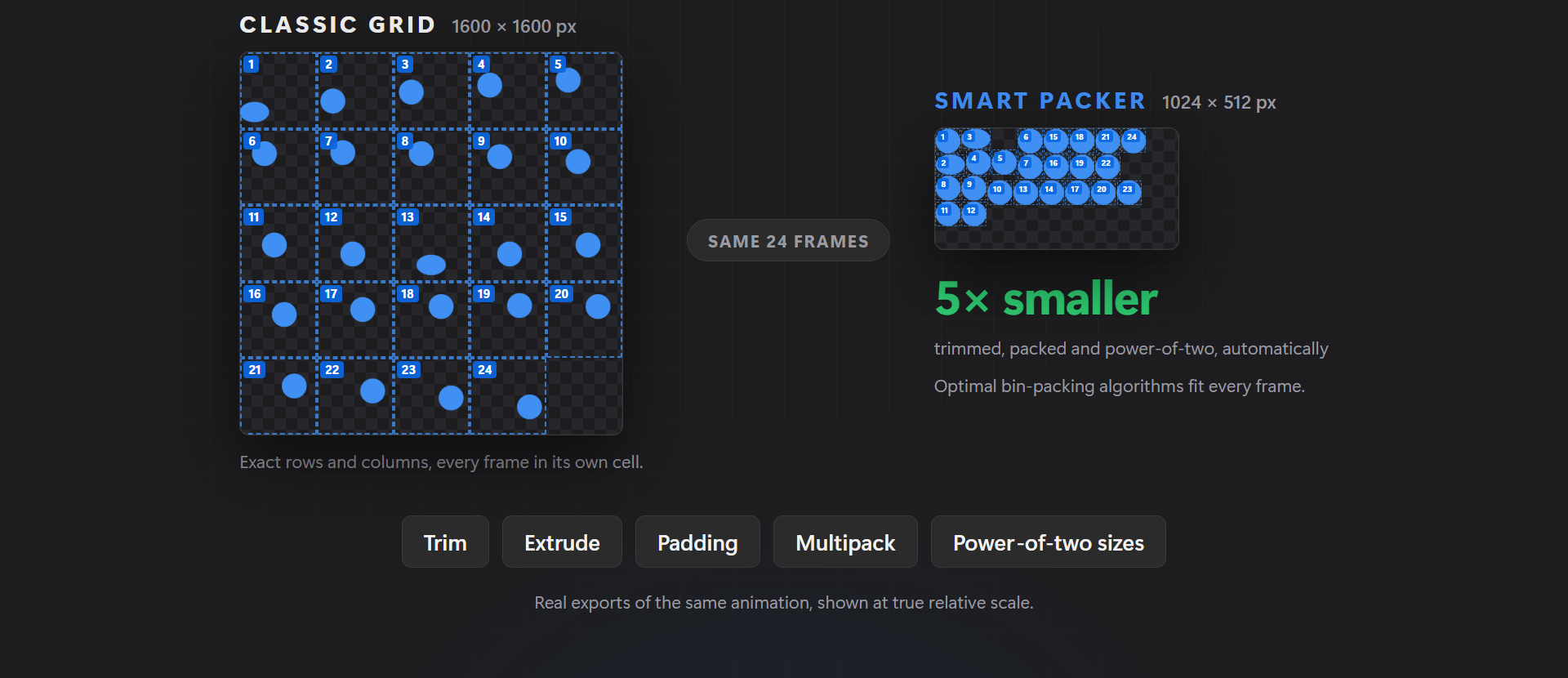
Optimal bin-packing algorithms fit every frame like a puzzle. Trim, extrude, padding, multipack and power-of-two sizes, all handled for you.
- New in V3
Live preview
Scrub every frame of the packed sheet right inside the panel, on any background, before you export.
- New in V3
Round-trip import
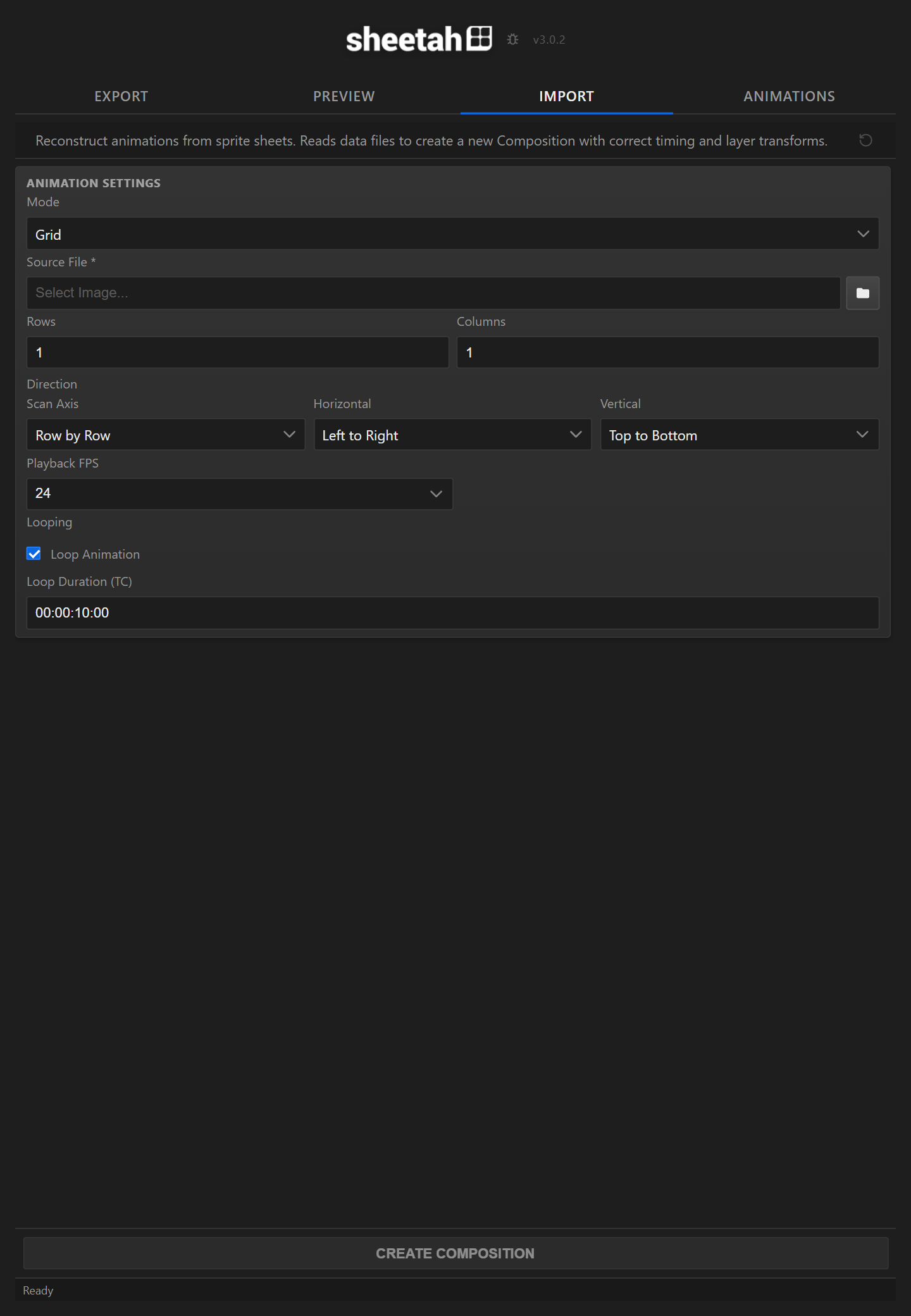
Import any spritesheet, even ones Sheetah did not make, and get a live, editable composition back.
- New in V3
Keyframes as code
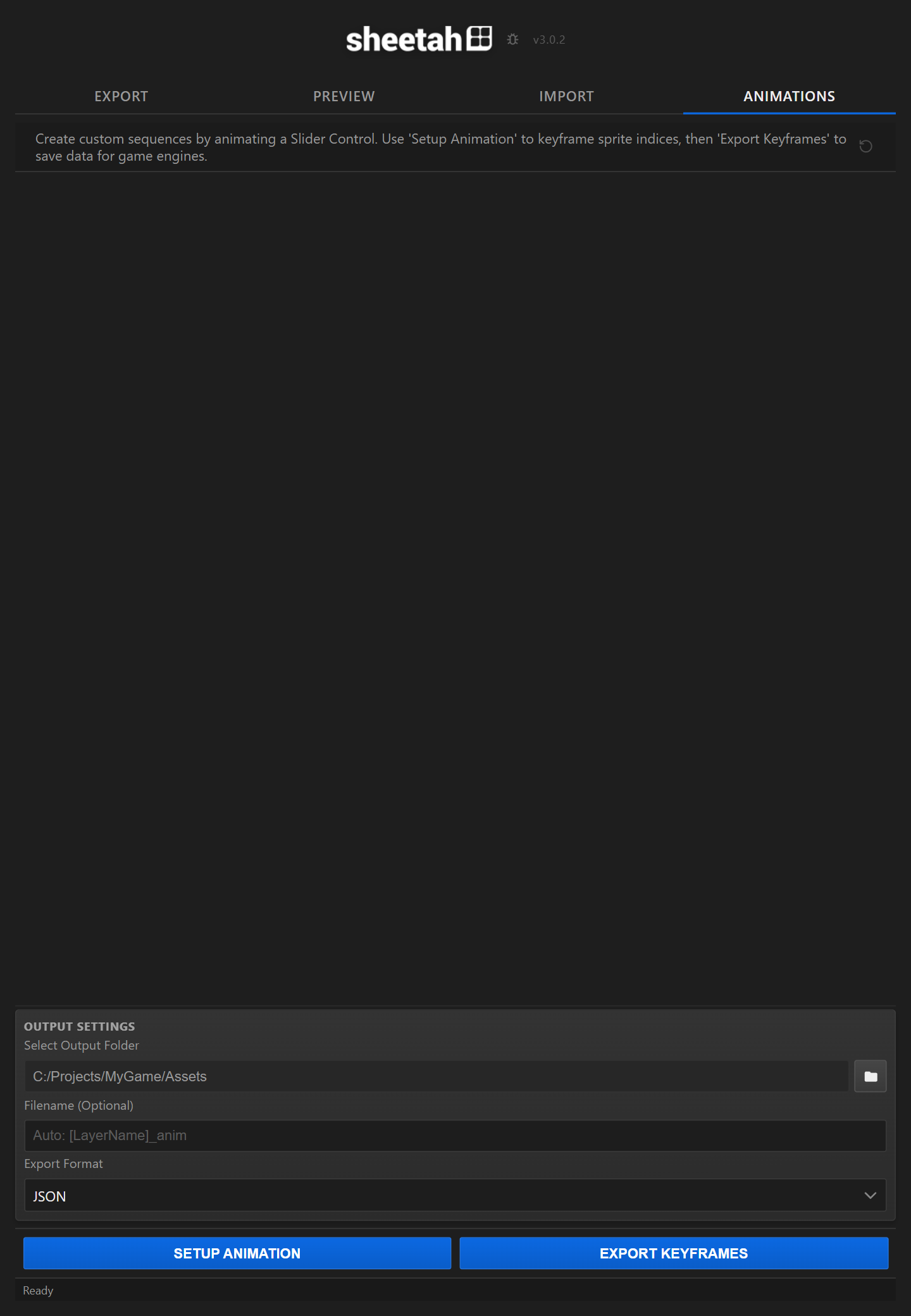
The Animations tab keyframes your sprite frames on a slider and exports the data as C#, GDScript, C++, CSV or JSON.
- New in V3
Custom exporters
Need a format nobody ships? Write a simple Mustache template and Sheetah picks it up automatically.
Two packing modes
Classic grid, or the Smart Packer.
Both modes ship in every licence. These are the real files Sheetah wrote from the same 24-frame animation, not mock-ups.
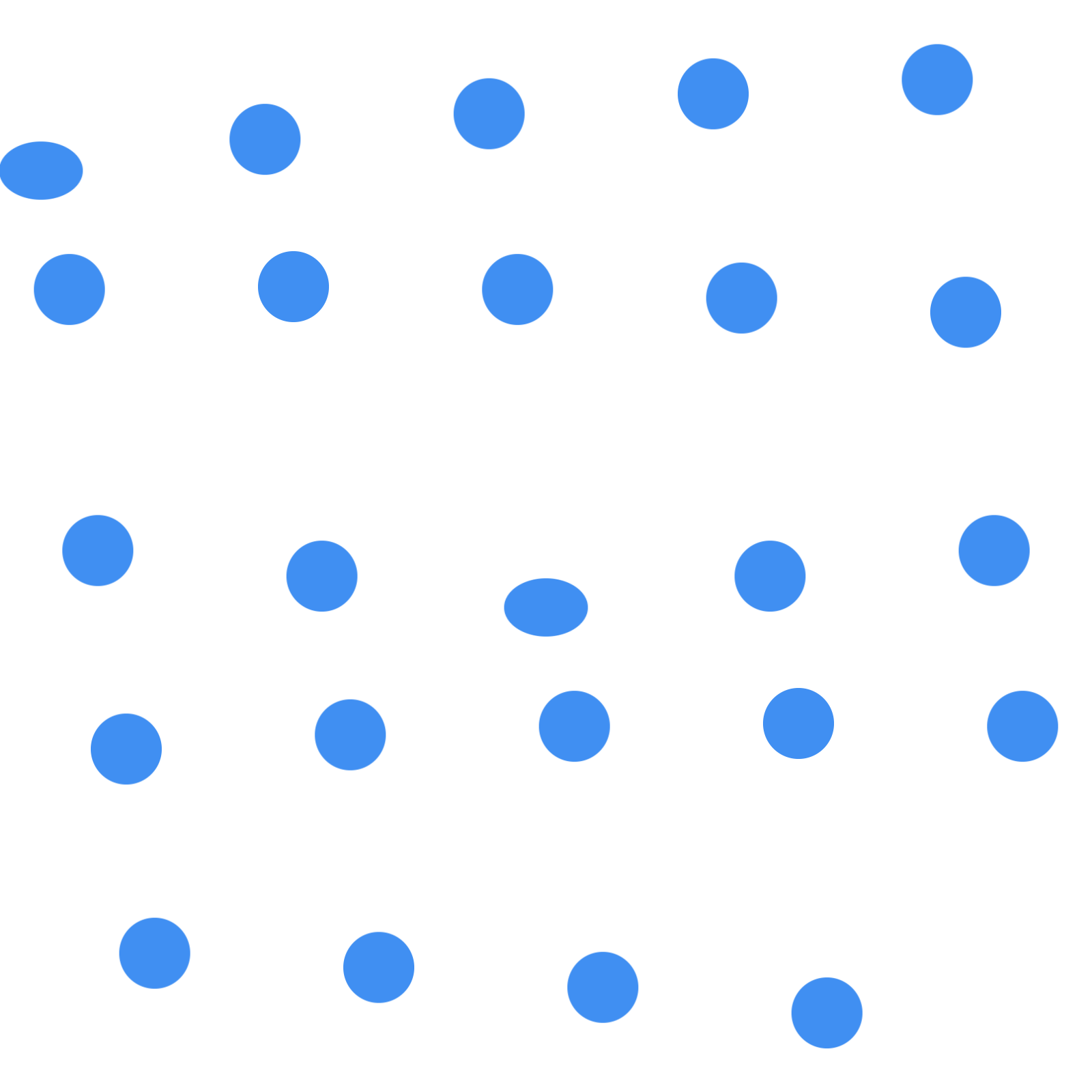
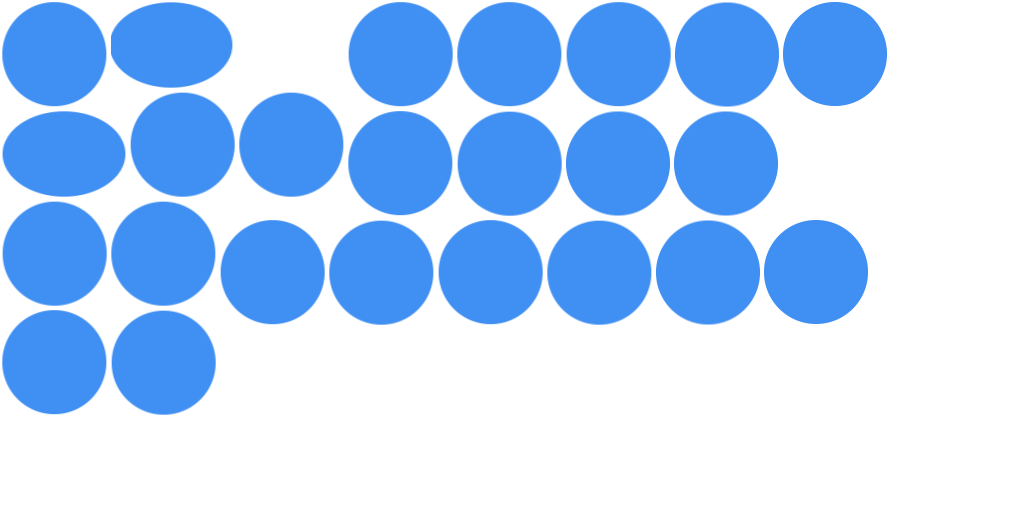
The dashed boxes are the frame rectangles from the data file Sheetah wrote, numbered in playback order.
Inside After Effects
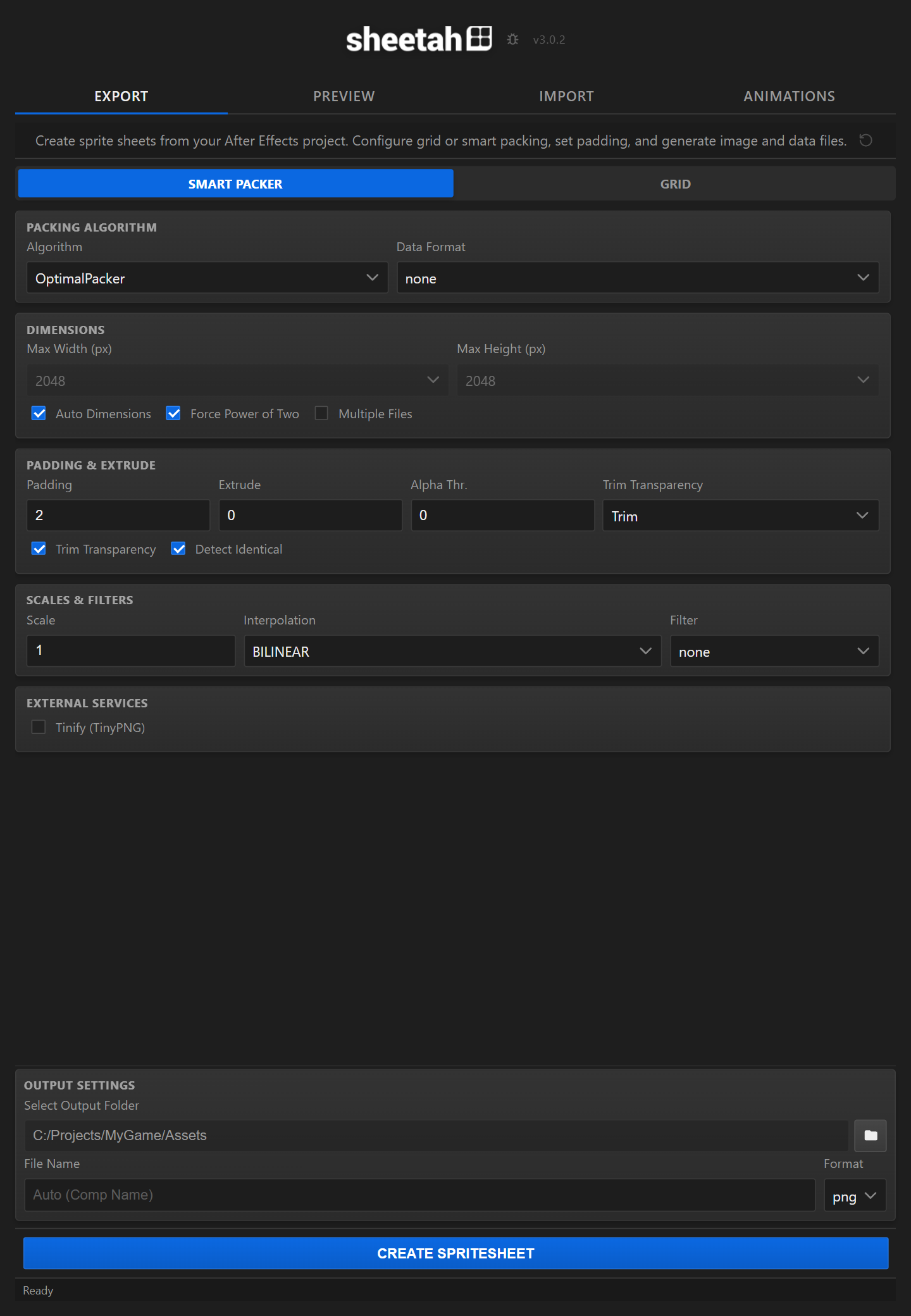
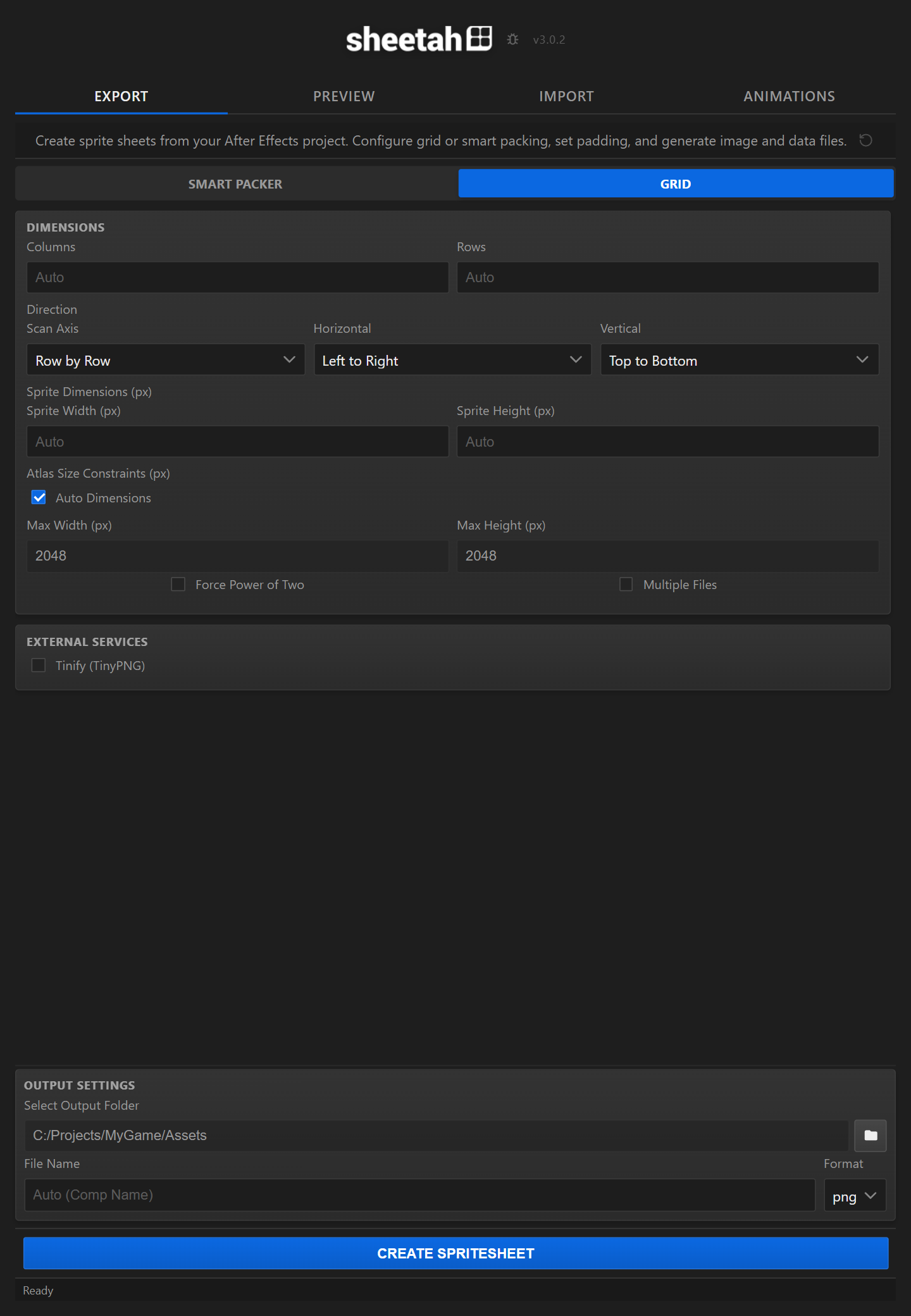
One dockable panel, four tabs
Sheetah docks next to your comp, so everything happens where the animation already is: no image sequences to export, no command-line packer, no re-importing. Here is every tab, exactly as it looks in After Effects.
How it works
Three steps, no cleanup
- 01
Pick your comp
Any composition works, character animation, effects, UI, pixel art.
- 02
Press Create Spritesheet
Sheetah renders every frame, trims and packs the atlas, and writes the image plus the data file.
- 03
Drop it in your engine
The data format matches your target, so the sheet just works, frames, order and timing included.
Output
One click. Any engine.
Sheetah writes the frame data in the format your target reads, so the sheet drops straight into your project.

Unreal Engine
Paper2D sprite data, ready to import.

Unity
Sprite atlas metadata for the Unity importer.

Godot
Frame data your Godot scenes can read directly.
And every other format
- Phaser
- Spine
- Starling
- Cocos2d
- Pixi
- JSON
- XML
- CSS
- Egret
- UIKit
- Custom Mustache
FAQ
Good questions
Is there a free trial?
Yes. Download Sheetah from aescripts and run it in trial mode to test everything on your own project before buying.
Which After Effects versions are supported?
After Effects 2022 or newer, on Windows and macOS.
My engine is not on the list. Can I still use Sheetah?
Very likely. Sheetah writes plain JSON, XML and CSS out of the box, and you can add any text-based format with a small Mustache template, no coding required.
Can Sheetah read sheets it did not create?
Yes. The Import tab rebuilds a live composition from any spritesheet plus its data file, even ones made by other tools.
Try Sheetah on your own animation
The free trial runs inside your After Effects, with your comps. When it clicks, one license takes the sheet all the way to production.